

Upload Product Videos to Worldshop
Please enter your details below to upload product videos for the Worldshop and store them in the product image gallery.
"*" indicates required fields

Provide your customers with relevant product information
Upload your product videos directly to Worldshop. Present them in the product image gallery and showcase the unique features of your products. Grab your customers’ attention and convert more views into sales.

Media content management
Maintain and update your 3D and video content centrally via the Worldshop platform to ensure a consistent and up-to-date presentation of your products.
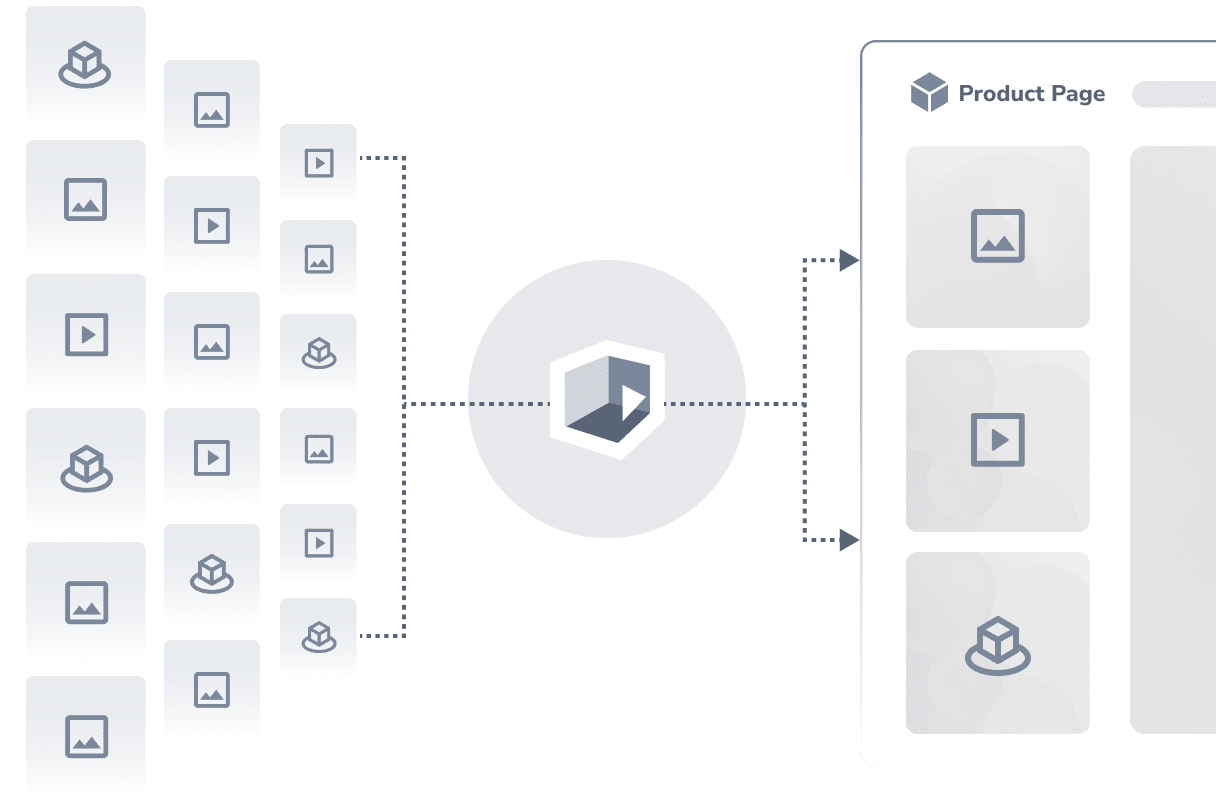
Provide additional product information
By uploading videos, you provide additional explanations about your products. This gives users further information on the product page, making the product’s range of functions and application easier to understand.
How It Works
Request Access
First, fill out the form above. The support team will contact you and send you a login for the user-friendly syndication tool for brand channels.
Upload Your Videos
Simply drag and drop your product videos into the tool.
Go Live
Enter the product's EAN and the Worldshop product number, select the validity date, and publish the content. The videos will then be displayed on the Worldshop product pages.
Testimonials
What Our Customers Say

DemoUp Cliplister makes it easy to get content where it needs to go. DemoUp Cliplister saves us time, our retailers have less work, and customers love the content. DemoUp Cliplister is a win for everyone.

Jialin Luo
Key Account Manager

It was hard for us to find a team willing to work with large appliances because the logistics are tough. It doesn’t matter if it’s a 3D project or a review video, if it’s a large or a small appliance, DemoUp Cliplister makes scaling content creation simple.

Dominik Renner
Digital TMO & Campaign Specialist
